SeatSprig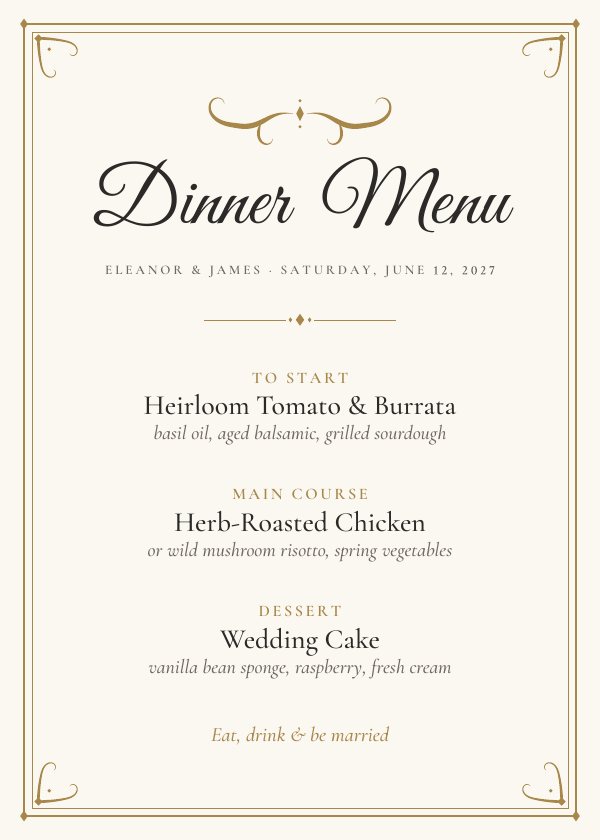
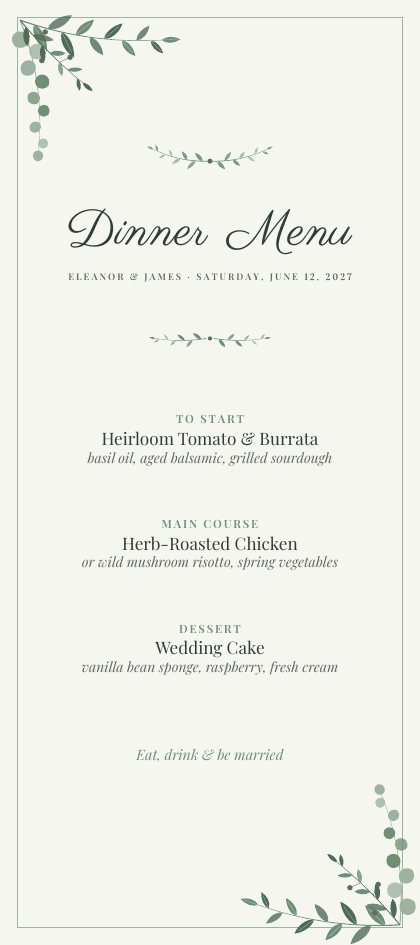
5×7 or 4×9: which menu size?
| Size | Looks like | Choose it when |
|---|---|---|
| 4 × 9 in | Tall and slim. Sits on the dinner plate, on a folded napkin, or tucked under the fork. | You want a menu at every place setting and a classic plated look. |
| 5 × 7 in | Standard card proportion; fits 5 × 7 frames and table stands. | You have longer descriptions, or you’d rather place one or two framed menus per table. |
What to put on a wedding menu
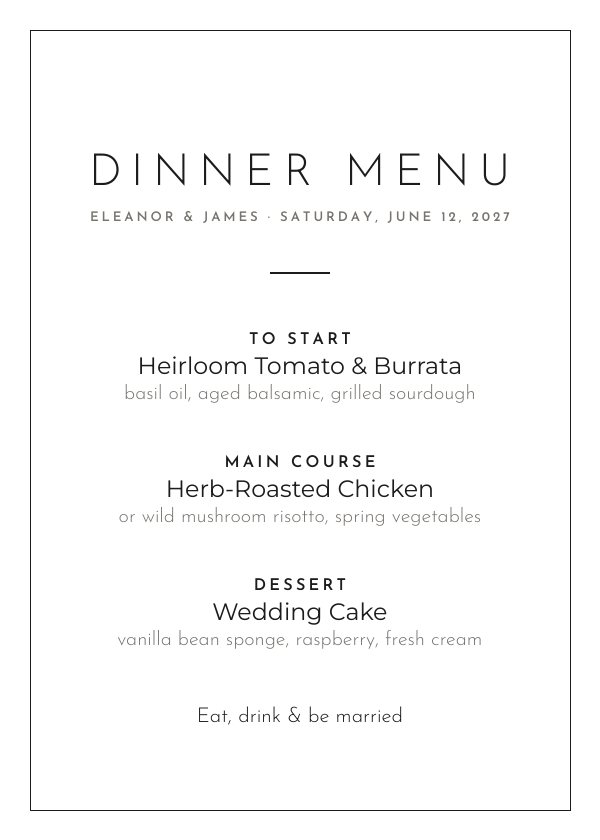
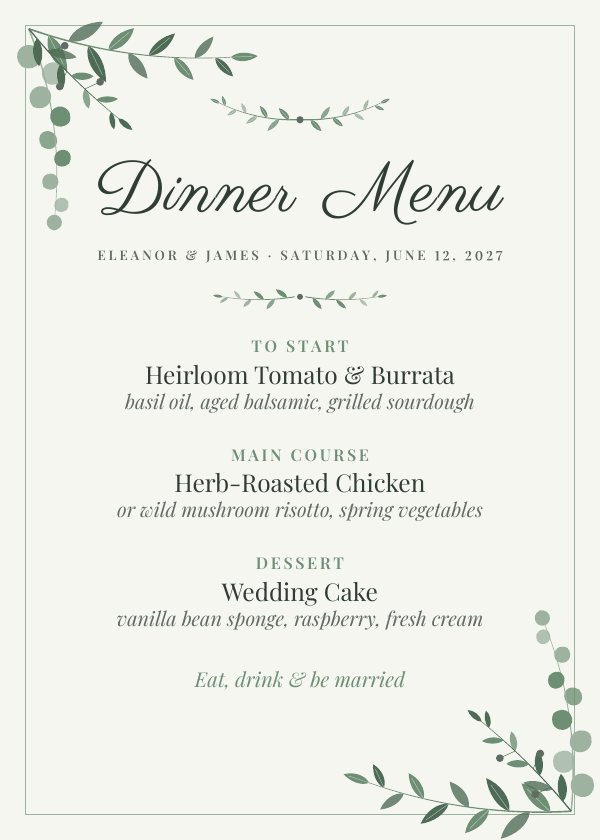
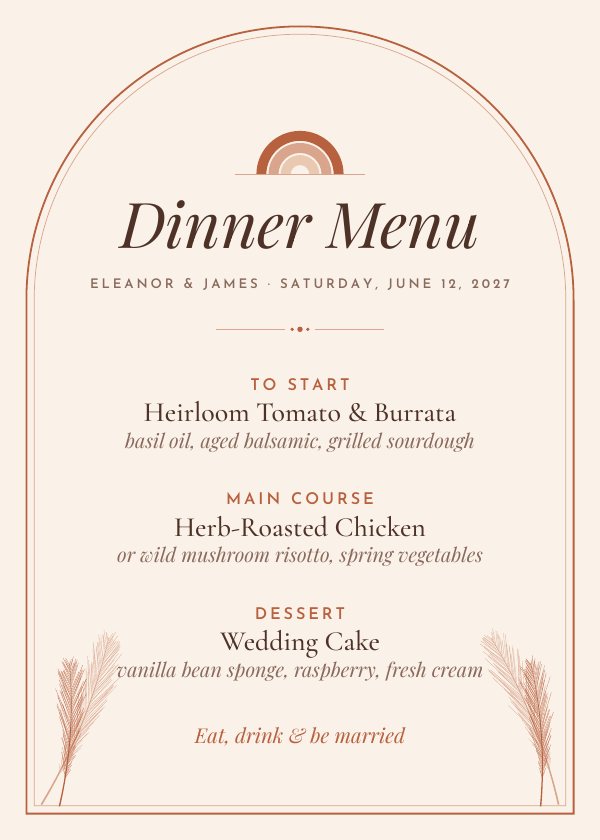
- Course labels (“To Start”, “Main Course”, “Dessert”) in small capitals, then the dish, then a short description.
- Choices: if guests pre-selected entrées, list them in one course — “Herb-roasted chicken or wild mushroom risotto”.
- Dietary notes: short markers like (V), (GF) after a dish are easy to scan.
- Keep descriptions to one line of key ingredients; the menu is a keepsake, not the kitchen ticket.
- A footer line is a nice touch: “Eat, drink & be married”, a signature cocktail, or a thank-you.
Printing menus at home
Choose the letter-sheet layout, print at 100% / “Actual size” (not “Fit to page”) on cardstock your printer supports, then cut on the crop marks with a paper trimmer. The background colour extends 1/8 in past the cut lines, so a slightly imperfect cut never shows a white edge. Prefer white paper? Untick “Print the background colour” in the editor.
Frequently asked questions
How many menus do I need?
One per guest if you place a menu at every setting (the 4 × 9 in size is designed for this), or one to three per table if you frame them.
My menu is long. Will it fit?
Yes. The layout scales type uniformly until everything fits inside the border, and never lets text run off the card. For readability we suggest up to six courses on a 5 × 7 card.
Can I print at a copy shop?
Yes — download the single-card PDF and ask for 5 × 7 or 4 × 9 cards, or give them the letter-sheet file with crop marks.